ANYPOST for Claude
Hand Claude a video. Get it posted.
Use ANYPOST from Claude on the web, desktop and mobile, or from Claude Code in your terminal.
Post this lesson to TikTok and Threads tonight, in Japanese
create_post ✓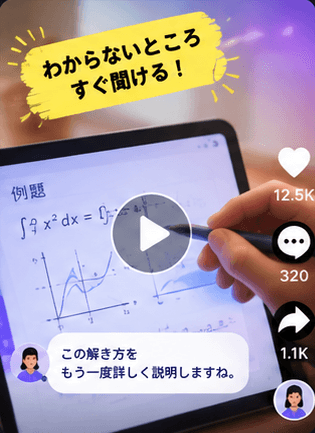

> Announce v3.2 on X and LinkedIn, English and Japanese
⏺ anypost · schedule_post (MCP)✓ x · en · Tue 09:00✓ x · ja · Tue 21:00✓ linkedin · en · Tue 09:00✓ linkedin · ja · Wed 09:00$ npx anypost ls --status scheduled --json
Connect in a minute
Find ANYPOST in Claude’s connector directory, or add a custom connector with this address, then sign in:
https://anytutor.ai/anypost/mcp
Add the hosted MCP server, then sign in when prompted.
claude mcp add --transport http \
  anypost https://anytutor.ai/anypost/mcp
Install the skill so any coding agent knows how to post with the CLI.
npx skills add anytutor/anypost-agent
Try asking
Writes the caption and sends it to ANYPOST for your one-tap confirmation.
Drafts both and schedules them at your best times.
Sets up a recurring plan that waits for your approval.
Ranks posts by results and explains why.
Questions
Do I need an API key?
Not for ChatGPT, Claude or Cursor. You add the ANYPOST connector and sign in once; access is tied to your account and can be revoked anytime. API keys are only for CLIs, scripts and automation tools.
Will my assistant post without asking?
Your workspace rules decide. By default, posts from AI assistants follow the same approval settings as the app, and TikTok posts always wait for you to choose who can see the video and confirm.
Does it keep working when I close the chat?
Yes. The assistant hands posts to ANYPOST, and ANYPOST publishes them at the scheduled time and retries if a platform is busy.
Which accounts can the assistant see?
Only the channels connected to your ANYPOST workspace. It cannot see your passwords.
Is it included in my plan?
Agent access through MCP is included from the Pro plan. The Starter plan can try it with drafts.